
How to Copy Contracted Hours to Other Days of the Week
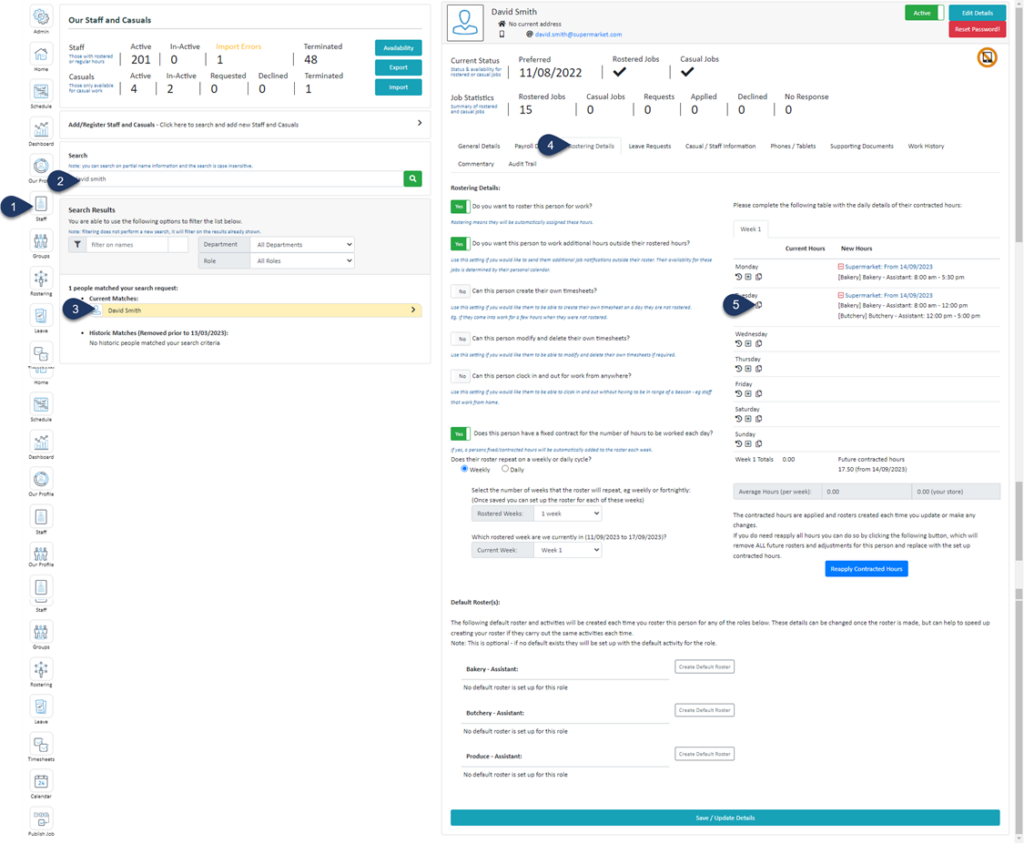
- Select Staff
- Search for the employee
- Select the Employee
- Select Rostering Details
- Select the Copy Icon next to the day you wish to copy
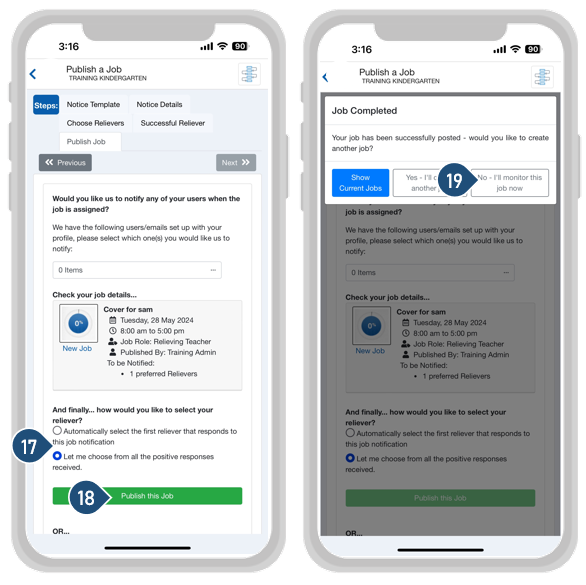
- Select Copy next to the hours you wish to copy from that day
- Choose the days you wish to copy these hours onto
- Select Copy Hours
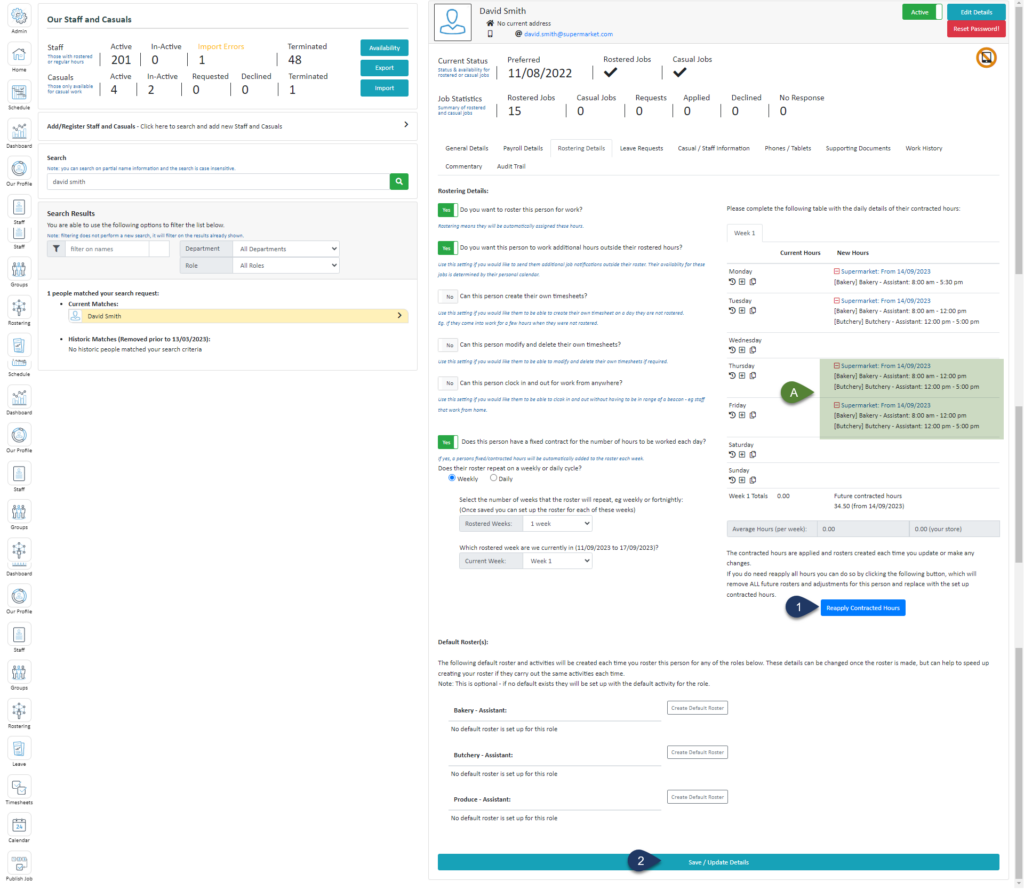
- Select Reapply Contracted Hours
- Select Save/Update Details
A. You will see the copied hours in the 'New Hours' section of the selected days


