
Release Notes - October 2026
Wednesday 28 October 2026, 1015pm Simplifi
Thursday 29 October 2026, 1015pm OnTask
New Features & Enhancements
Casual staff photos in job publishing, selection screens
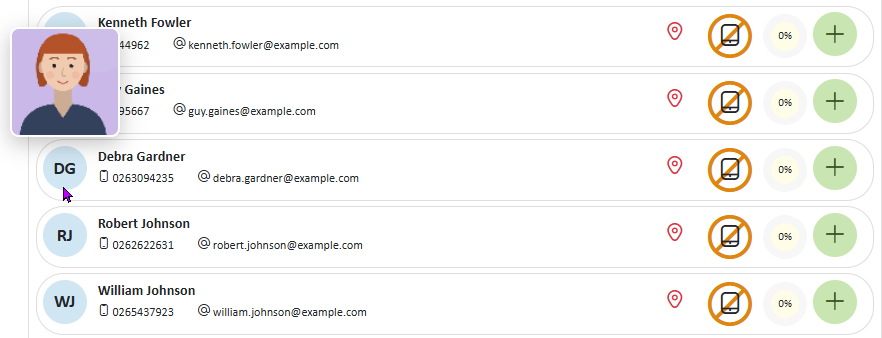
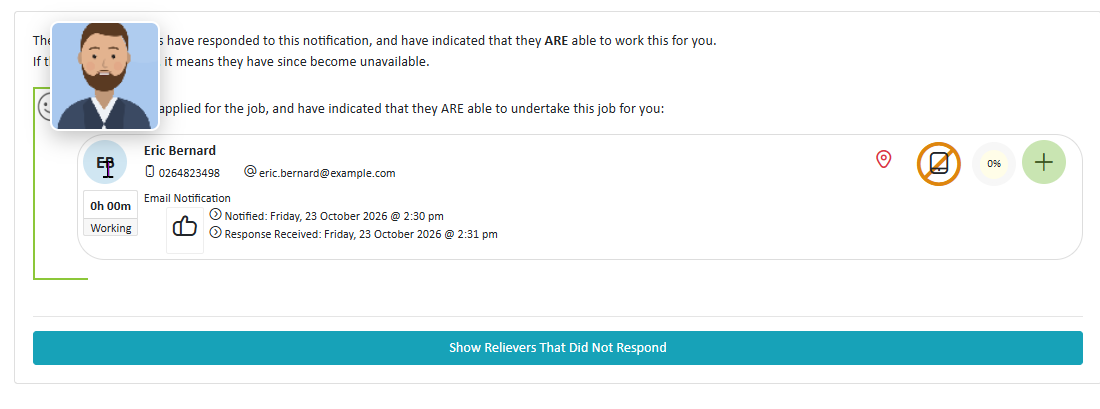
When you’re assigning a casual to a job or choosing which casuals to notify, you can now hover over a staff member’s initials avatar to see their profile photo. This makes it easier to check you’ve got the right person before you notify or assign.
- The photo appears as a tooltip only. The initials avatar stays as it is.
- If a staff member is unavailable, their photo still appears on hover but is greyed out, the same as their tile.
Organisation users can now set an alternate email as preferred
Organisation users can now set a staff member’s alternate email address as their preferred email address. Previously, this was only available at organisations where staff records weren’t synced via an API.
PeteBot
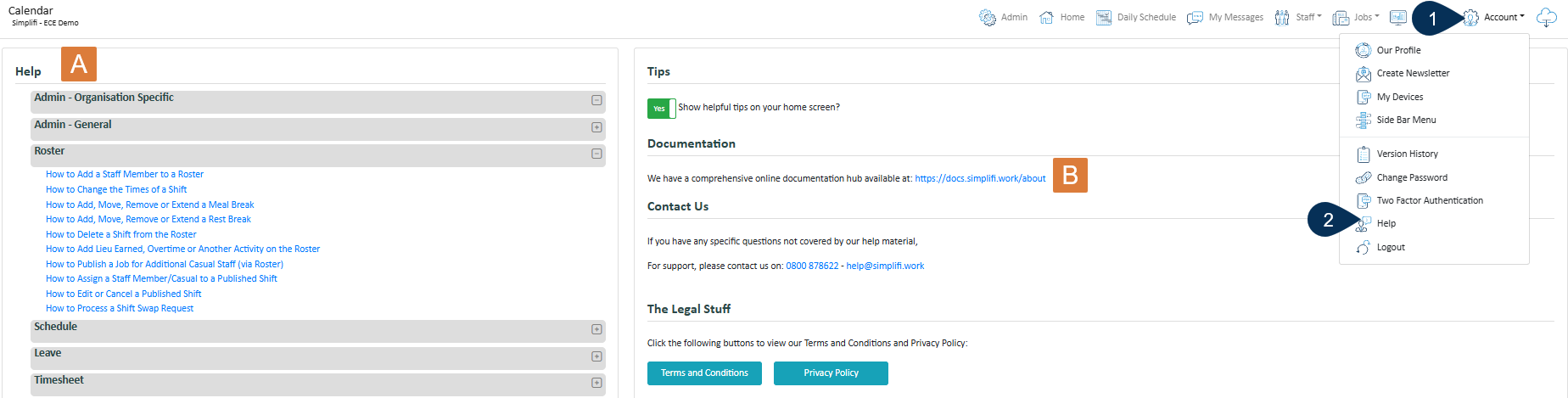
We’ve removed PeteBot while we review it. For help, view our Help Guides or use our online documentation hub. You can open it from Account > Help.
Shift details visible for staff
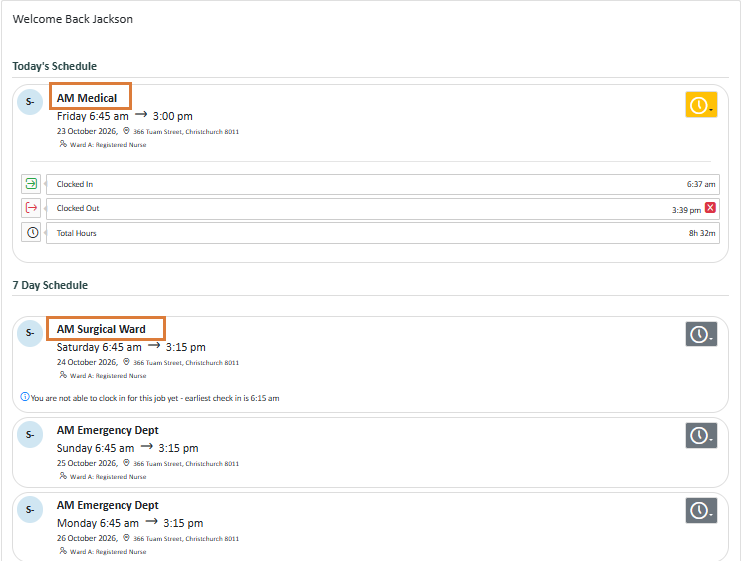
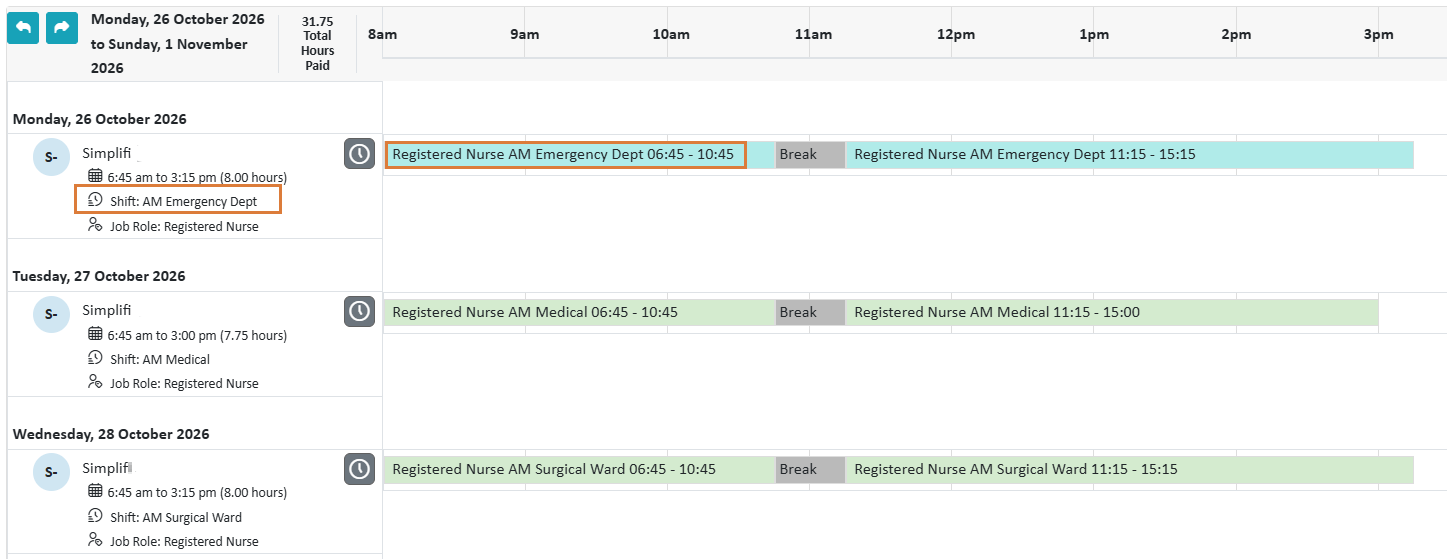
Organisations that run multiple shifts can now show the shift name to staff, so they can check which shift they’re rostered to. This is useful if all your clinical staff sit in one department and you use shifts to show which room they’re working in.
- Staff home page: The shift name appears as a bold heading above the day and time in the 7 Day Schedule.
- Schedule view: The shift name appears in the day summary and in the schedule bar, between the role and the time.
This is a new optional setting that we can turn on for you. Get in touch if you’d like it enabled.
Updated Timesheet Layout
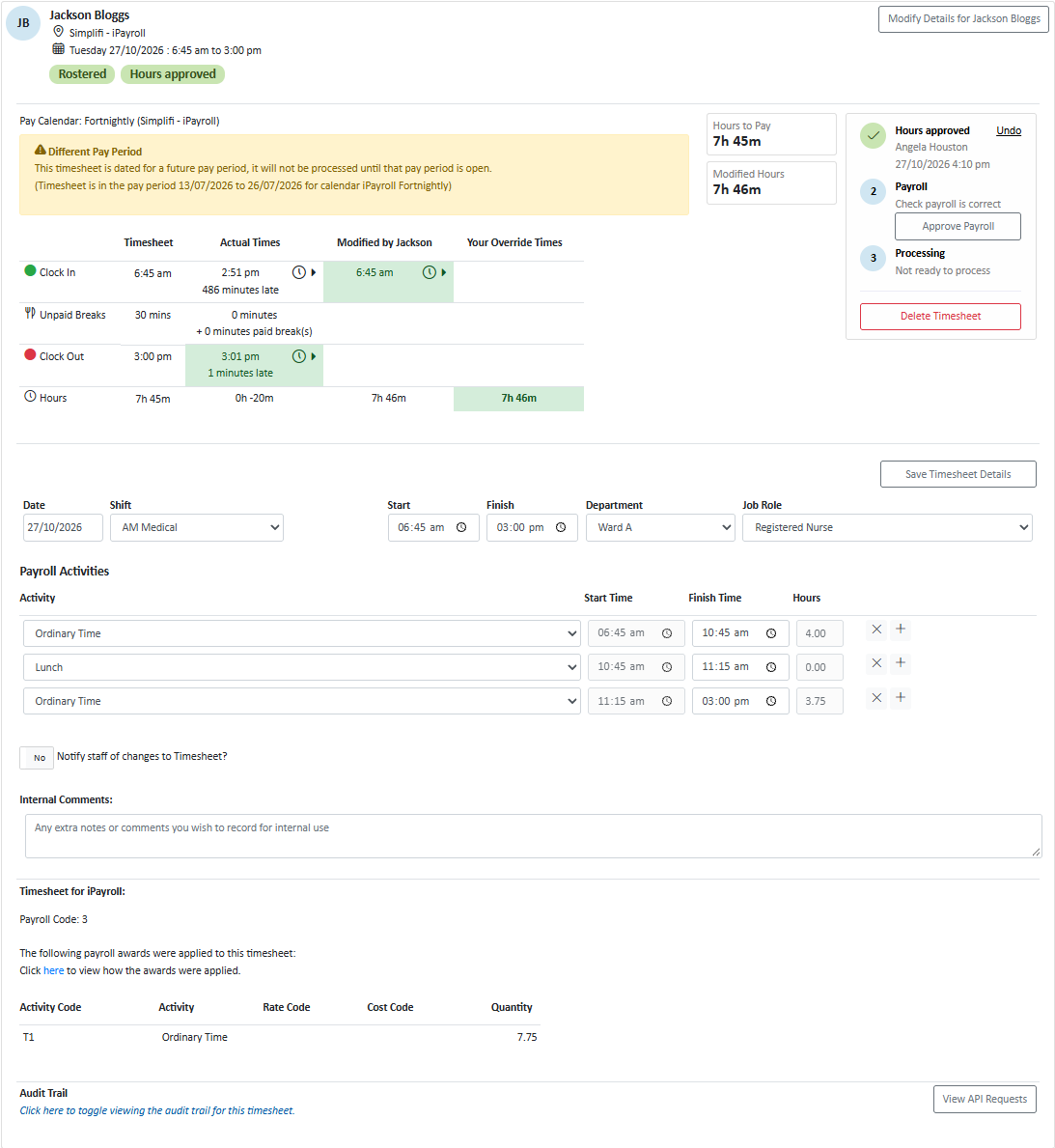
We’ve refreshed the timesheet layout to make it easier to use:
- Activities now appear in a table, giving more space and removing repeated titles on each line.
- The header has been tidied up to match the new styling.
- Approval options are now buttons instead of checkboxes.
Bug Fixes
'Access Denied' when responding to jobs via email but able to respond via app?
Blank SUE reports
Changing Contracted Hours at HO not applying payroll activities correct order
Compliance percentage can display as a negative number
Compliance percentage sometimes appears, sometimes doesnt
Creating new staff members manually causes issues for non-rostering orgs
daysInPeriod iPayroll
Depts are added to staff profile by default
Error message shows when viewing a published job
Error Reviewing Contracted Hours
Filter toggles aren't scoped by section
InfoCare Scheduling Error
Link in app messages broken
mMatchRosteredShifts: Update Out of Transaction State Errors
Notifying additional relievers option linking through to publishing of a new notice
On Call 12am-12am Bug
Password Reset - Checksum Mismatch Causing Null Object Reference Errors
Payroll NOE for OMNI style orgs
Payroll Rule no longer applying correctly - activity start time
Pen Test Security Issue – viewFile
Processed Payroll Excel Export — Total Days Incorrect and Total Row Zero
Public Holiday Update Job triggering incorrectly
Publish replacement job from leave does not work
Remove 'Paid Hours' when publishing jobs
Reverting one day of a multi-day leave removes that day's row from SUE report
Roles randomly all get archived sometimes
Rules Error
Staff & Casual numbers regression & tidy up
Staff are being unassigned from their locations
Staff cant create messages
Staff Requirements doesnt seem to be recognising all roles
Staff Requirements not working for shifts
SUE report issues reported
Teacher Regn Updates not saving
Terminated Staff/Inactive User is still receiving system generated email
Time in Timesheet then condition not applying
Timezone Misalignment with API
Unable to add a comment on timesheet
Unable to add casual via Add new Staff & Relievers in Staff Profile.