How to Publish A Job
Publishing A Job allows you to send a job to a list of casuals in your organisation. They will receive a push notification on their phones and will be able to choose 1 of 4 responses. Depending on how you have published the job, either you can assign a casual of your choosing once they have responded or StaffSync will assign the first casual that responded positively to your job.

- Click Publish Job
- Choose the Role
- Select Create a New Notice

Notice Details
- Select a Specific Date or a Range of Dates
- Choose a Standard time or enter the time of the shift
- Enter the number of Casuals you seek for this job
- Enter a Job Title
- Enter any Notes (optional)
- Click Next

Casuals to be Notified
- Switch the Toggle to YES to see individual casuals
- Click on the green + to add casual the list of people being notified
- Set a time delay if needed and click + to add the time delay to the notice
- Click on the green + next to the group to include ALL your preferred casuals to the list being notified
- Select Next
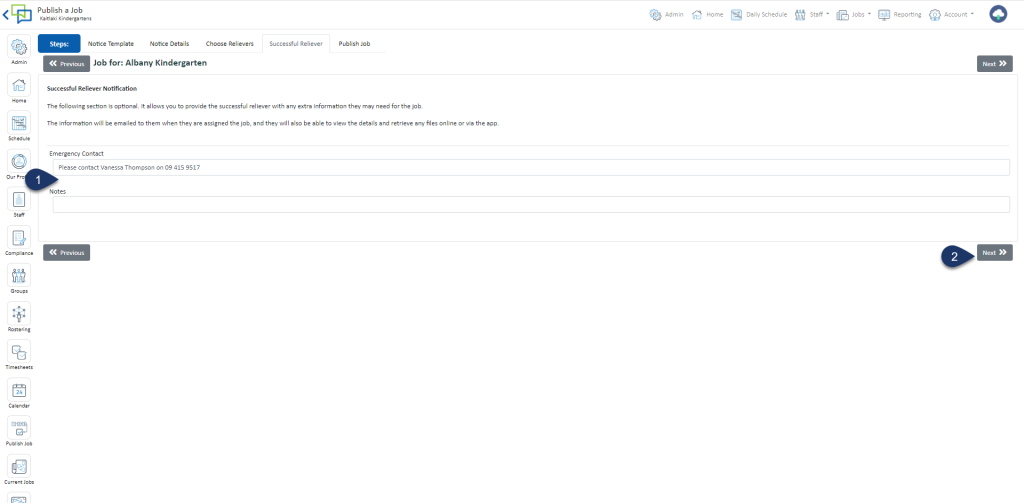
Successful Casual Response - This will be automatically sent to the casual that was successful for the job
- You may edit these fields if you wish to
- Click Next
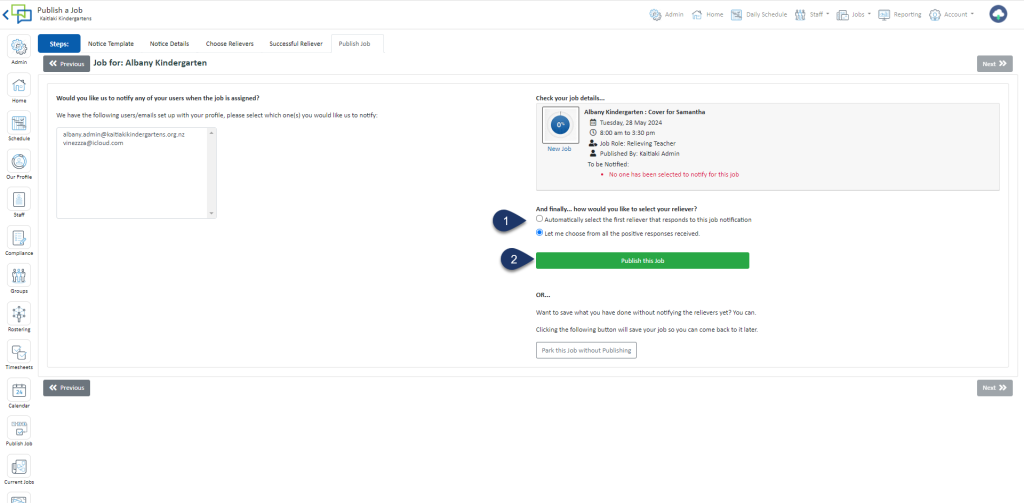
Publish Job
- Choose your method of selecting the successful casual
Automatically select the first casual that positively responds to the job notification
Let me choose from all the positive responses received - Select Publish a Job
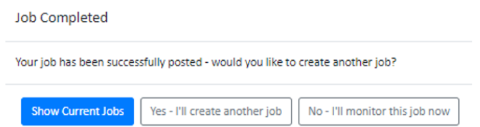
Once the job is publish you can choose one of the three options