
How to Unassign a Casual from a Job

- Select Calendar
- Select the Date of the Job
- Select the Job
- Click the X button next to the Casual you wish to unassign
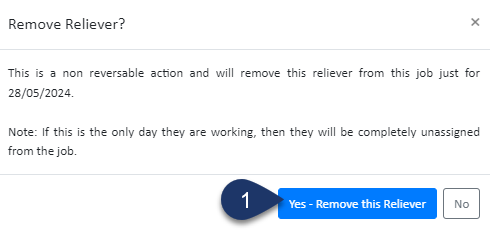
- Select Yes to Remove the Casual from the Job

Say goodbye to complex rosters, compliance headaches, and payroll errors. With Simplifi, you can streamline scheduling, stay compliant and save valuable admin time.

